TapTill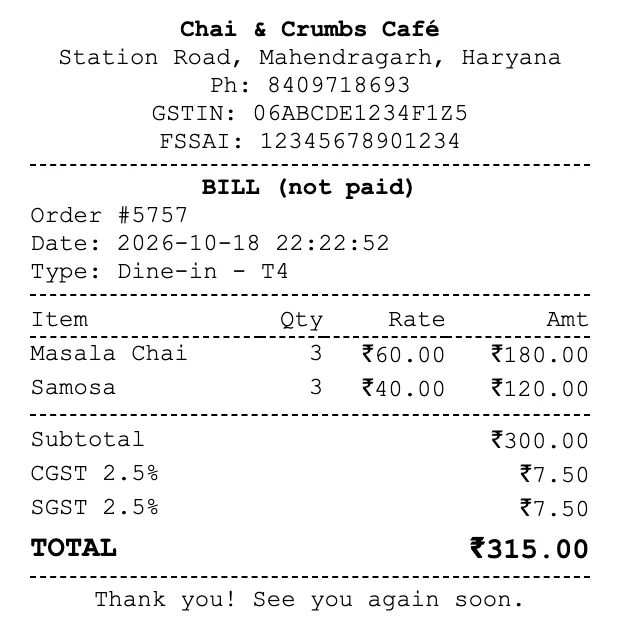
Billing at the counter
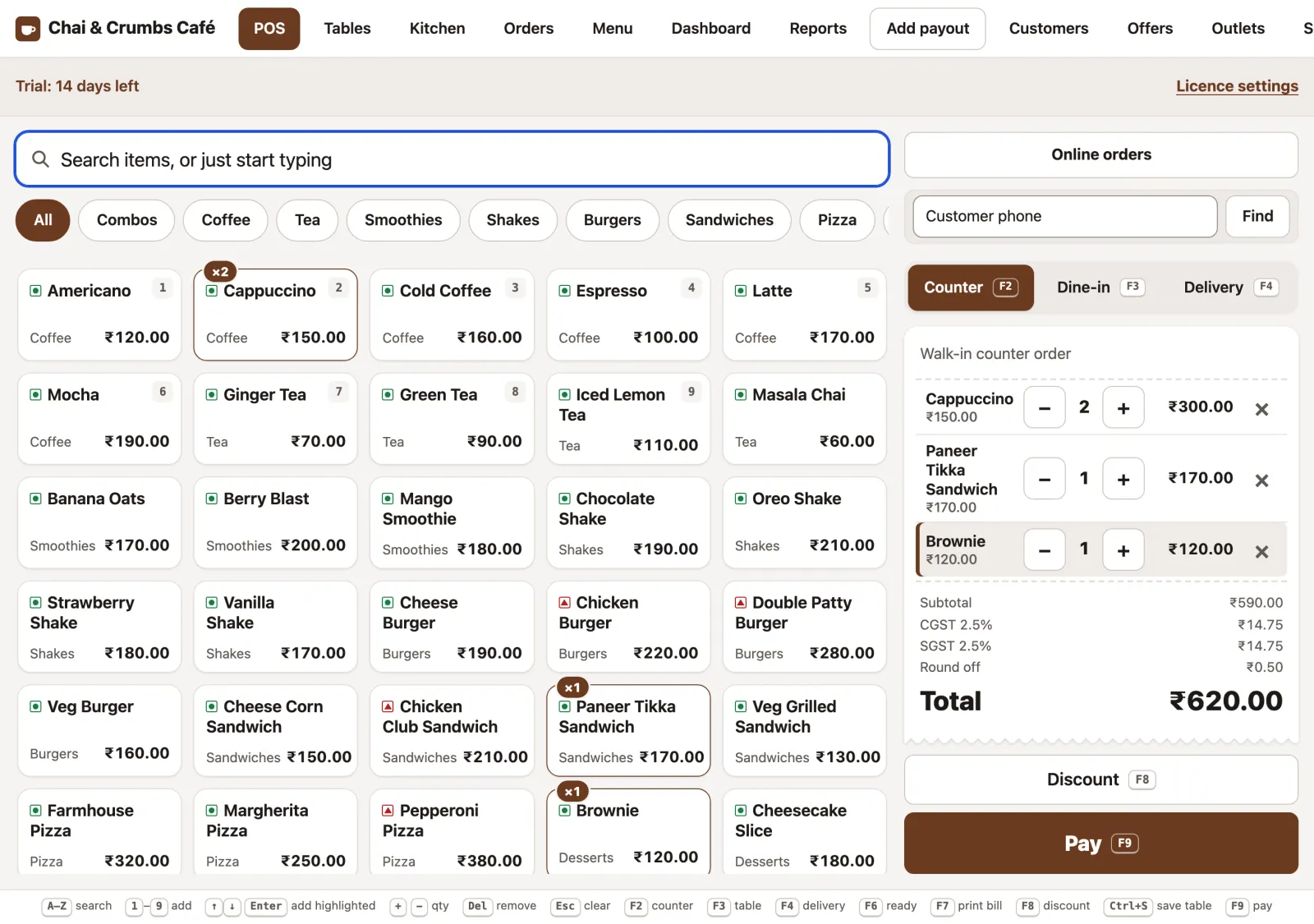
Counter, dine-in and delivery from one screen, at rush-hour speed.
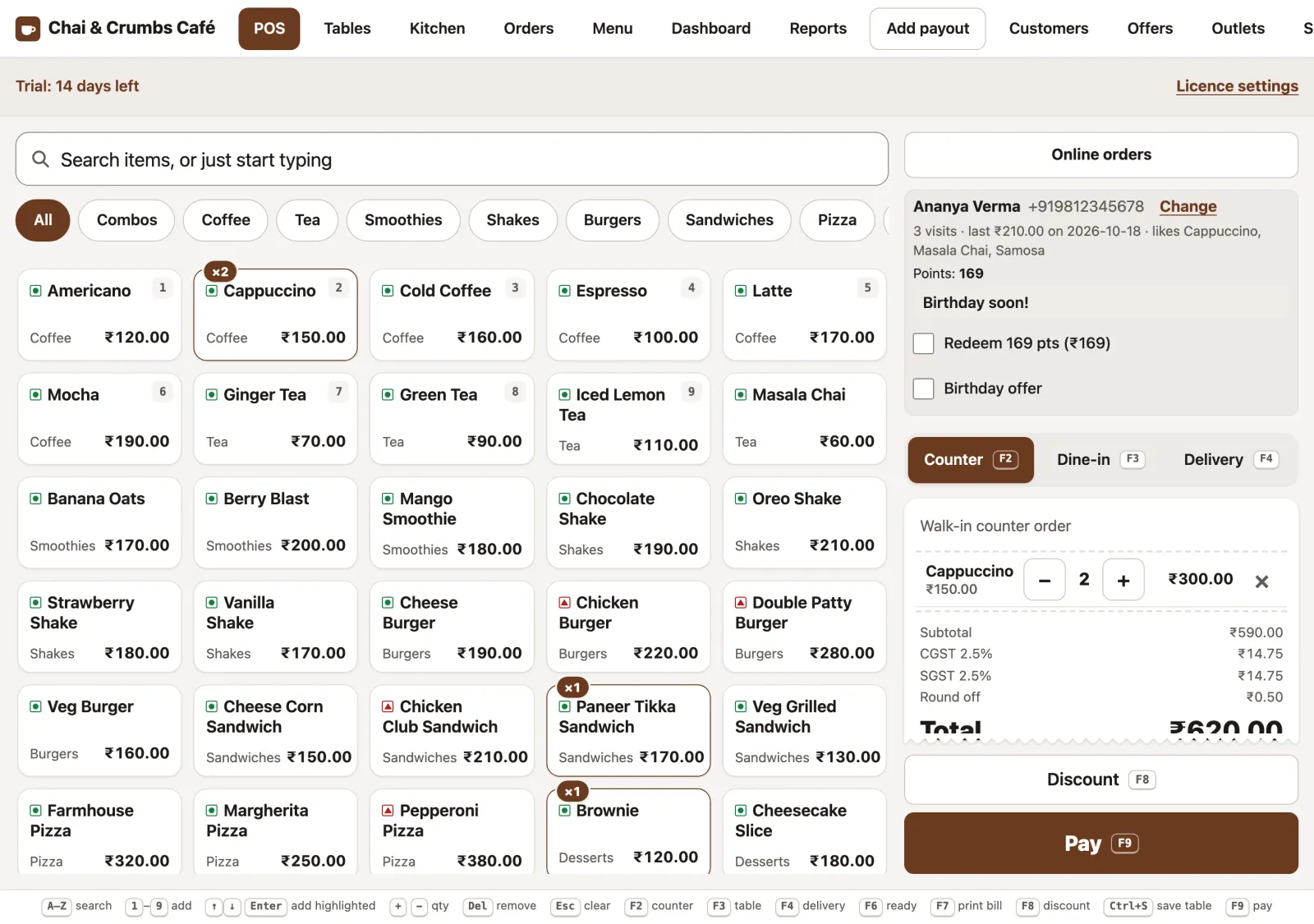
- Tap or type. Start typing an item name and press Enter, or tap a tile. Veg and non-veg marks on every tile.
- Modifiers and variants. Sizes like S, M and L, add-ons like extra cheese, and a short note for the kitchen. They print on the KOT and the bill.
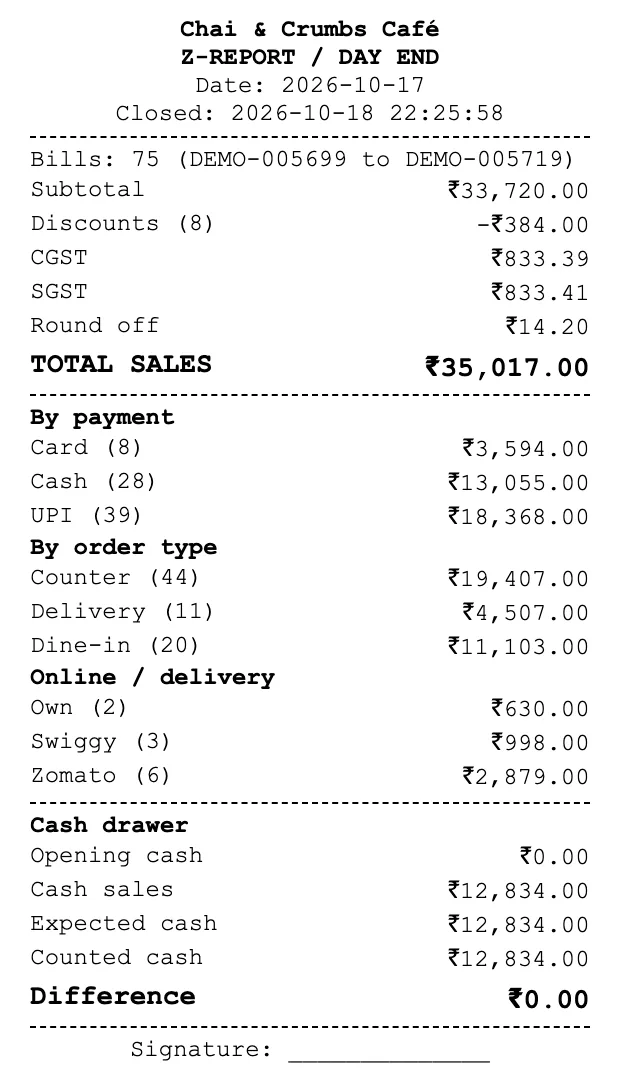
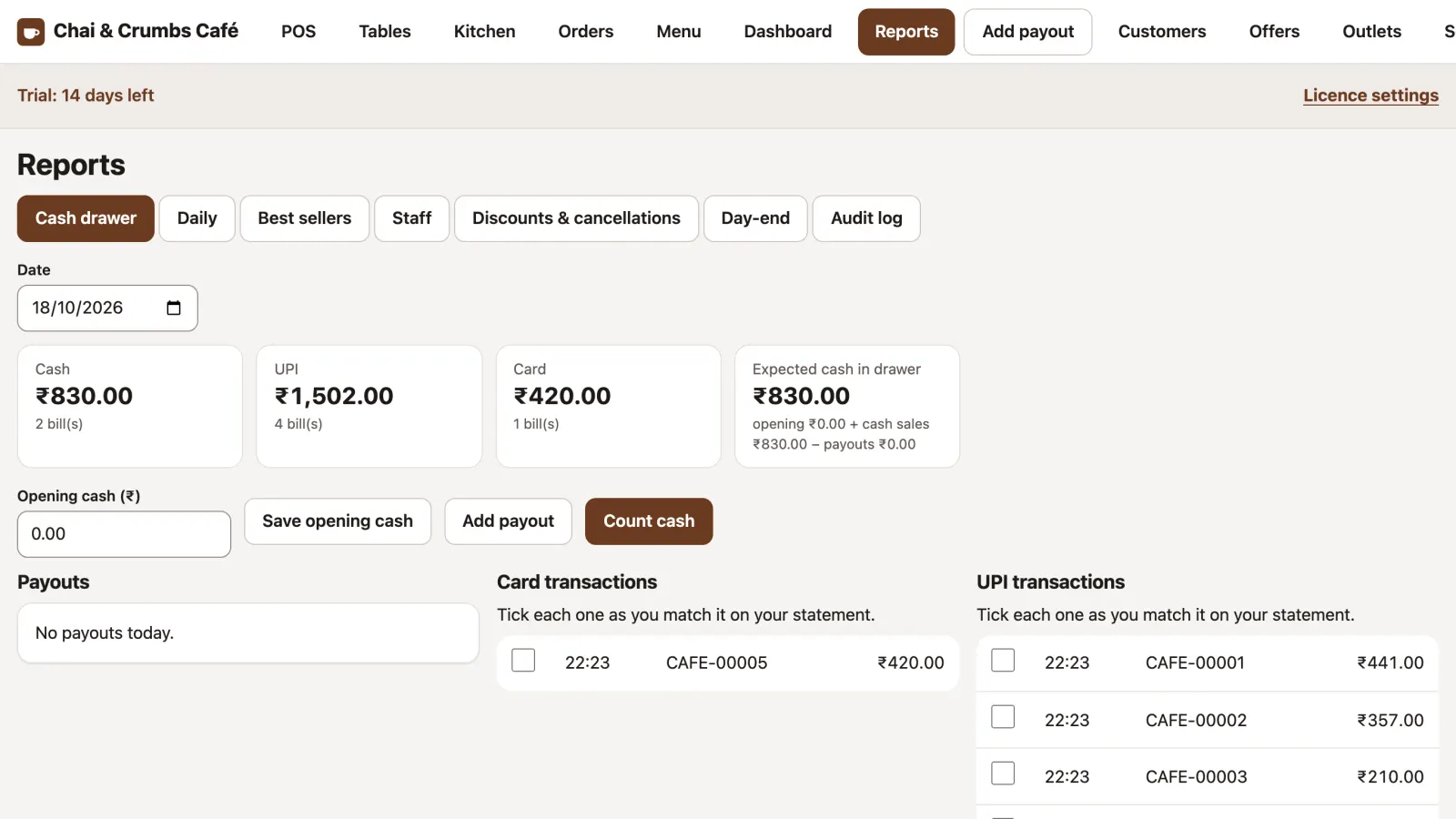
- Split payment. Part cash, part UPI, part card on one bill, and the cash drawer adds it up correctly.
- UPI QR on the bill. Add your UPI ID once; the bill and the customer display show a QR with the exact amount.
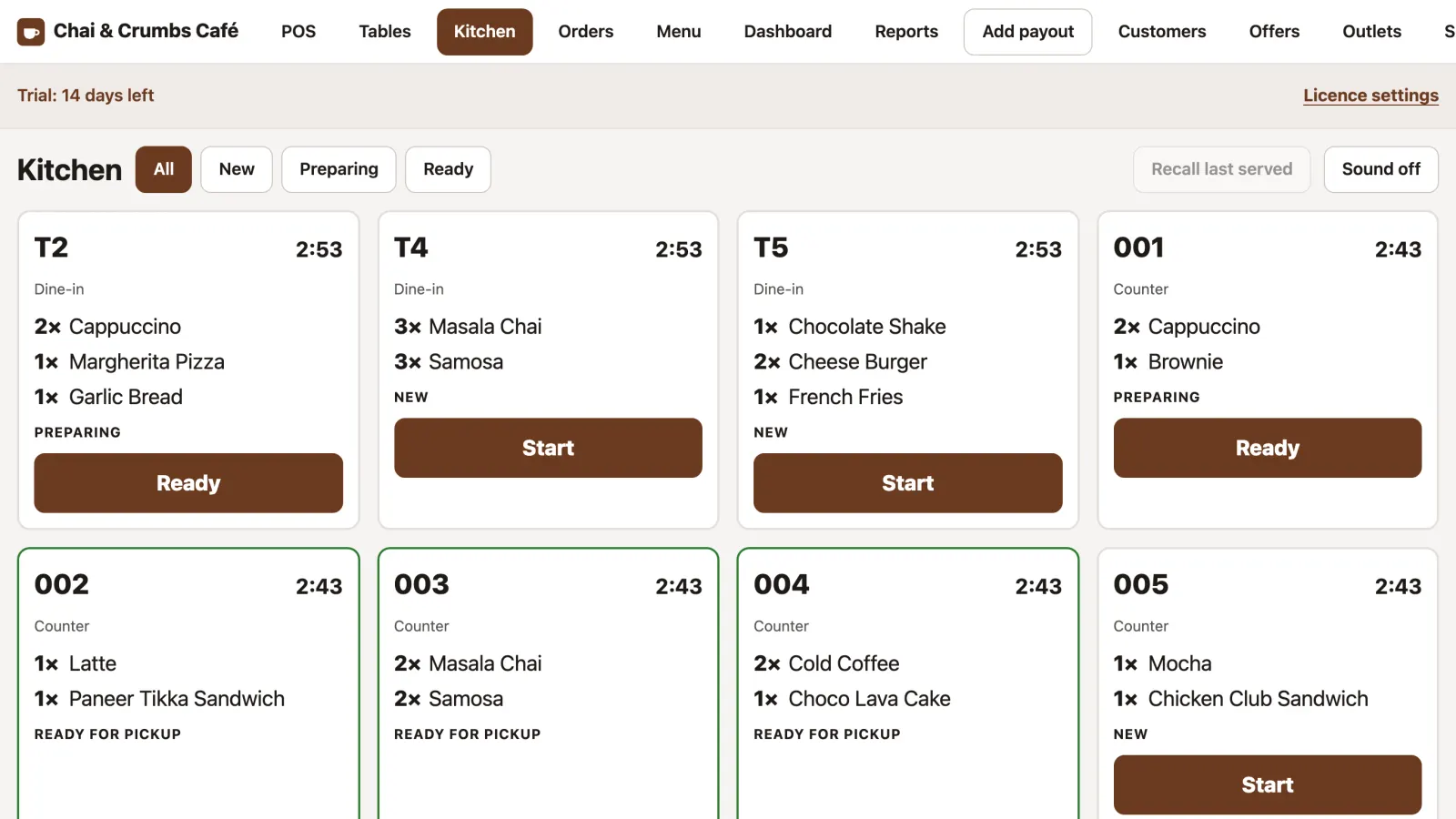
- Advance orders Advanced with a pickup time and an advance payment. The kitchen ticket comes up before pickup, with a reminder at the counter.
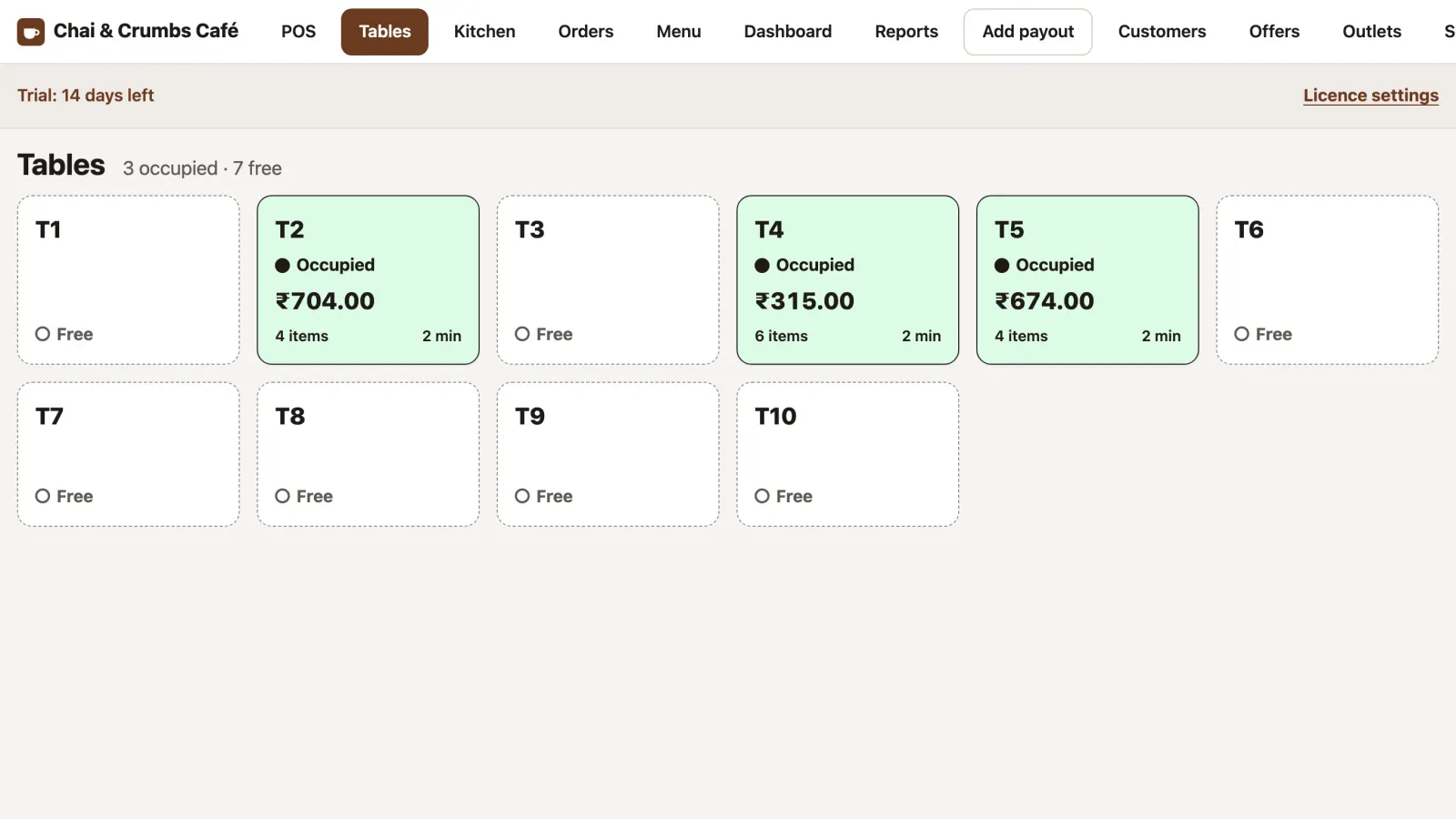
- Print the bill before payment for a table with F7, then settle it when the guest pays.
- Discounts by amount or percent, each one recorded in the audit log.